
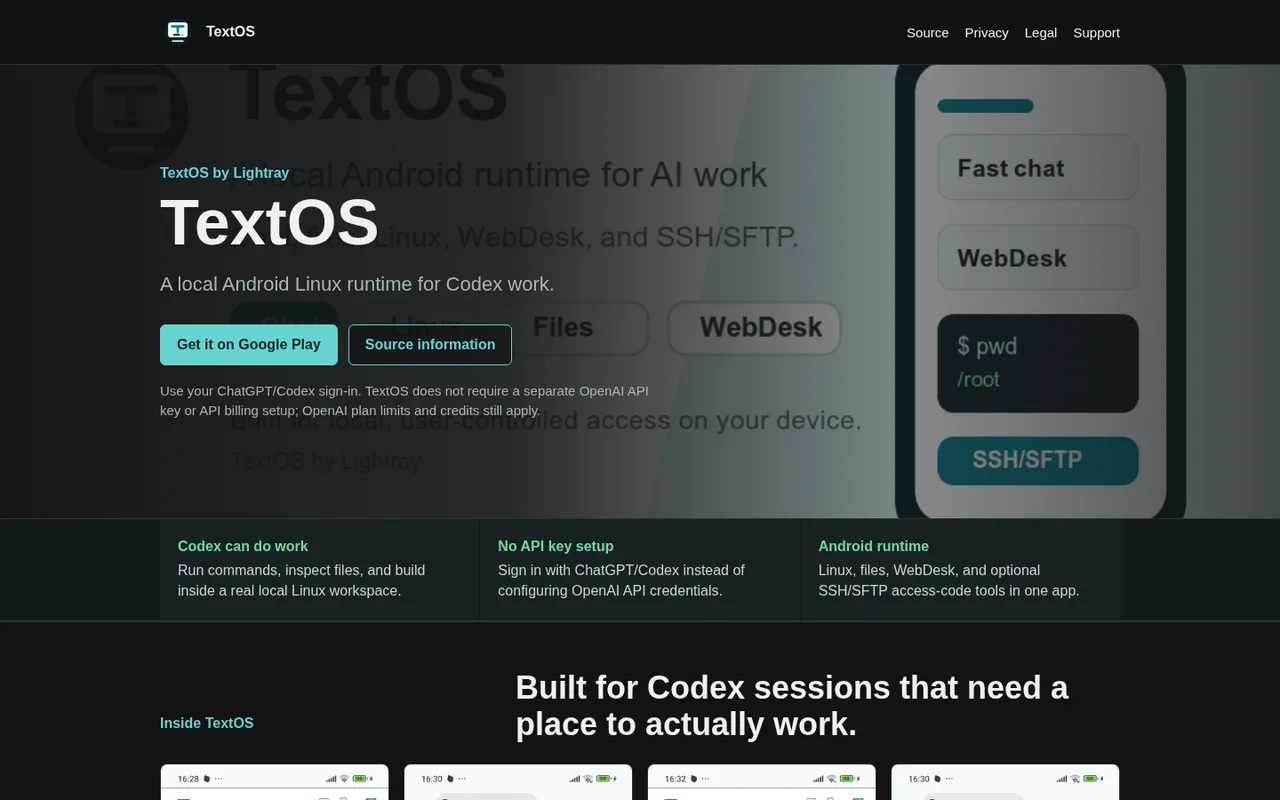

TextOS
A local Android Linux workspace for Codex projects.
TextOS is a local-first Android workspace with chat, files, a packaged Linux runtime, WebDesk, and optional SSH or SFTP access. Projects and runtime state live on the device by default.
ChatGPT plansPlus, Pro
Available onMobile
Best forProductivity
If you reach your limitThe app pauses until your ChatGPT allowance resets
What you can do
Codex-style agent work in the local Android runtime uses the signed-in OpenAI plan rather than a separate API key.
Good to know
The app states that OpenAI plan limits and credits apply; it does not document an automatic fallback.
- ChatGPT limits
- OpenAI controls plan availability, limits, and credits. TextOS is an independent app and its public documentation does not list exact supported tiers.
How to get started
- 01
Install TextOS from its listed Android distribution.
- 02
Choose the Codex or ChatGPT sign-in path.
- 03
Open a local workspace and start a Codex task.
The app itself may have a separate price. ChatGPT plan limits and availability can change.