

nexu
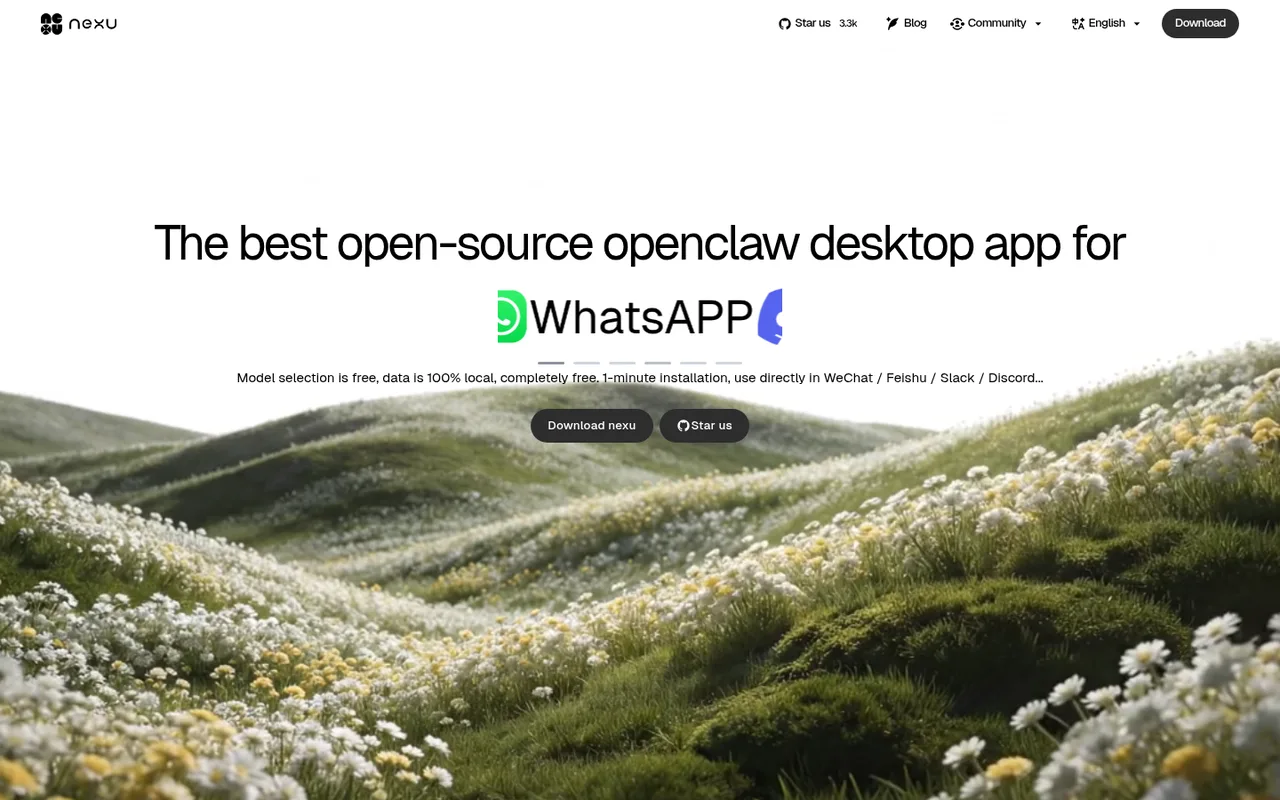
An open-source OpenClaw desktop client for messaging workflows.
nexu packages the OpenClaw runtime in a desktop client with graphical setup, skills, and messaging channels such as Feishu, Slack, and Discord. Its Codex OAuth route is distinct from ordinary bring-your-own API keys.
ChatGPT plansPlus, Pro
Available onDesktop
Best forProductivity
If you reach your limitThe app pauses until your ChatGPT allowance resets
What you can do
Supported GPT and Codex-model conversations in connected nexu channels use the ChatGPT plan quota.
Good to know
nexu states that OpenAI plan limits still apply; it does not promise automatic paid continuation.
- ChatGPT limits
- The subscription route does not bypass OpenAI usage limits or unlock models outside the account's plan.
- Possible extra cost
- Separately configured BYOK providers remain available.
How to get started
- 01
Open nexu Settings and go to Providers.
- 02
Choose OpenAI Codex and select Sign in with ChatGPT.
- 03
Approve access and choose an available model.
The app itself may have a separate price. ChatGPT plan limits and availability can change.