
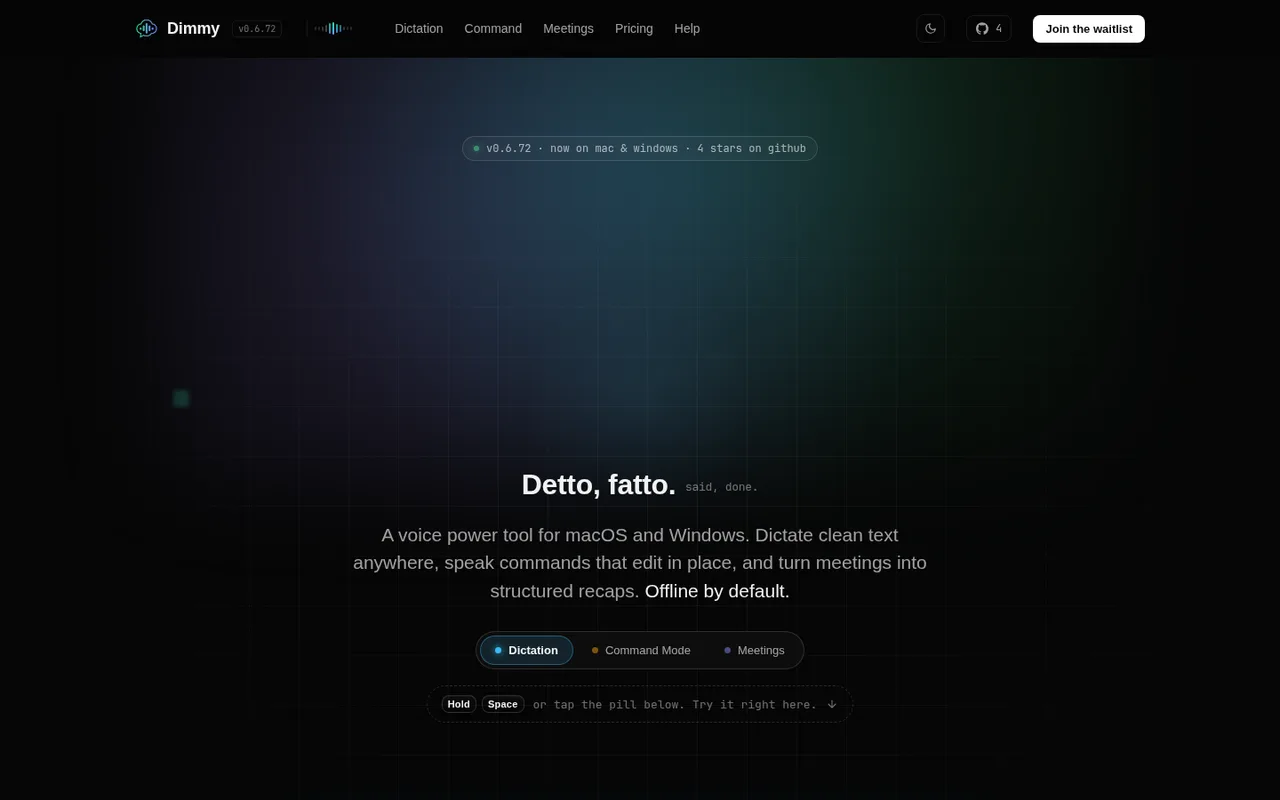

Dimmy
Local dictation, rewriting, and meeting recaps.
Dimmy is a desktop dictation and meeting assistant. On Windows and macOS, its OpenAI subscription integration can use Codex for style rewrites, meeting recaps, and custom prompts while speech-to-text stays separate.
What you can do
Rewrites, recaps, and custom prompts routed through Codex count against the signed-in ChatGPT plan.
Good to know
When Codex reaches your ChatGPT plan limit, Dimmy does not automatically switch these actions to paid OpenAI usage.
- ChatGPT limits
- This setup does not cover speech-to-text. The guided setup is currently available only on Windows and macOS.
- Possible extra cost
- Dimmy can use other separately connected AI services, which may have their own costs.
How to get started
- 01
Install Codex on your computer and sign in with ChatGPT.
- 02
Open Dimmy Settings and its ChatGPT or Codex integration card.
- 03
Test the connection and choose which rewrite or recap actions should use Codex.
The app itself may have a separate price. ChatGPT plan limits and availability can change.