

Squad
Run a hosted team of AI agents across your business.
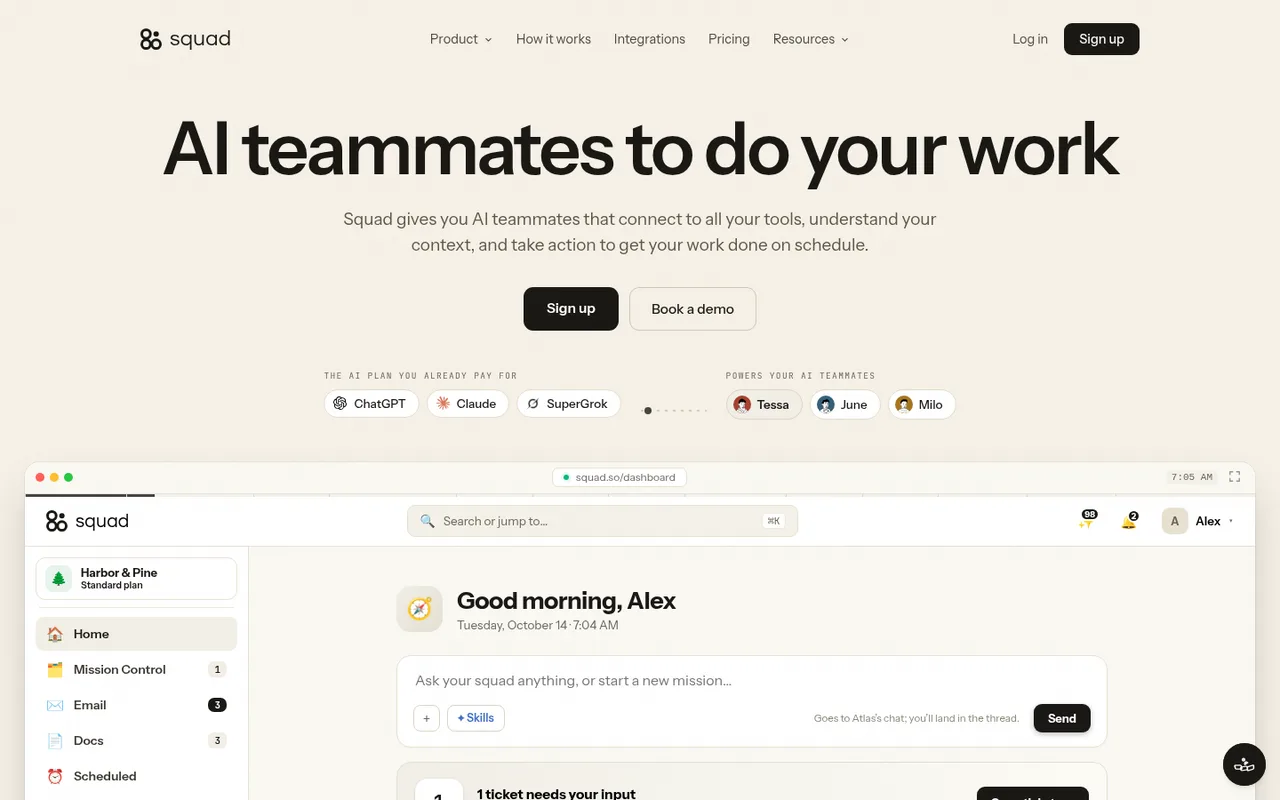
Squad is a hosted mission control for a team of AI agents. The agents share business context, work from a mission board, run on schedules, use connected tools, and bring decisions back to you for approval.
What you can do
Agent runs assigned to ChatGPT-backed models draw from the ChatGPT Pro usage connected to your Squad workspace, including work started from chat, the mission board, or a schedule.
Good to know
If you configure a fallback, Squad can try another ChatGPT account or model provider when the first account reaches its limit.
- ChatGPT limits
- Squad recommends the $100 or $200 ChatGPT Pro tier for this workload. Your OpenAI usage limits still apply, while research tools and agent email may use separate Squad credits or add-ons.
- Possible extra cost
- Squad costs $99 per month. A second ChatGPT account, another AI provider, research-tool credits, and agent email add-ons are separate costs; Squad says it does not add token markup.
How to get started
- 01
Start a Squad subscription and choose ChatGPT during setup.
- 02
Enable Device code authorization for Codex in your ChatGPT security settings.
- 03
Let Squad provision the hosted workspace, then open the authorization link, enter the displayed device code, and approve access.
- 04
Choose the ChatGPT-backed models for your agents and finish onboarding with the lead agent.
The app itself may have a separate price. ChatGPT plan limits and availability can change.