

Codron
Manage coding tasks that keep running while you're away.
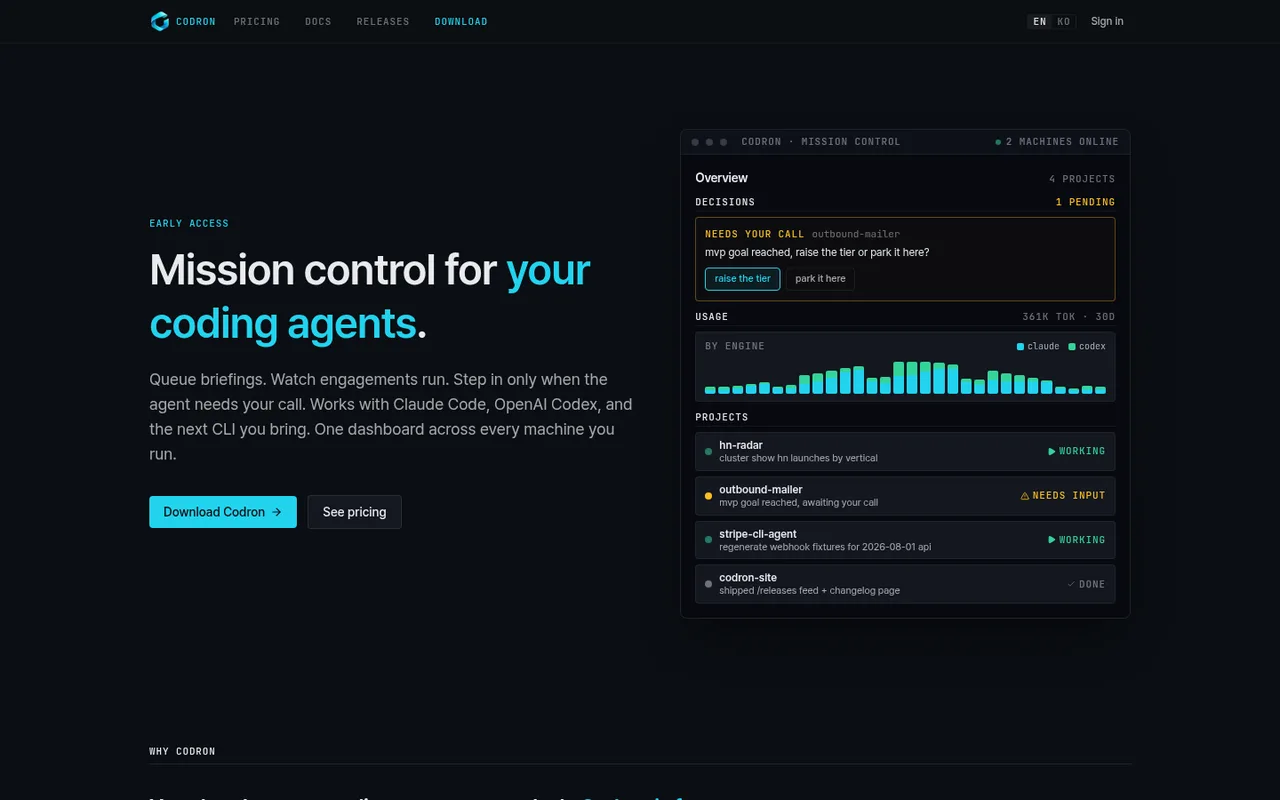
Codron lets you manage coding projects across computers from desktop and web. It queues instructions, keeps work moving while you are away, sends decisions to Telegram, and records reports and code changes.
ChatGPT plansPlus, Pro
Available onDesktop, Web, Mobile
Best forOrchestration
If you reach your limitThe app pauses until your ChatGPT allowance resets
What you can do
Work assigned to Codex uses the ChatGPT plan connected to Codex on your computer.
Good to know
When Codex reaches your ChatGPT plan limit, Codron does not automatically add paid OpenAI usage.
- ChatGPT limits
- Codron's own free and Pro plans govern projects and machines separately. Codex usage remains subject to OpenAI limits.
- Possible extra cost
- Codron Pro covers its own management features, not AI usage. Other AI services may have separate costs.
How to get started
- 01
Install Codron on a supported Mac or Windows machine.
- 02
Choose OpenAI Codex for the project.
- 03
Make sure Codex is signed in with ChatGPT before you queue work.
The app itself may have a separate price. ChatGPT plan limits and availability can change.