
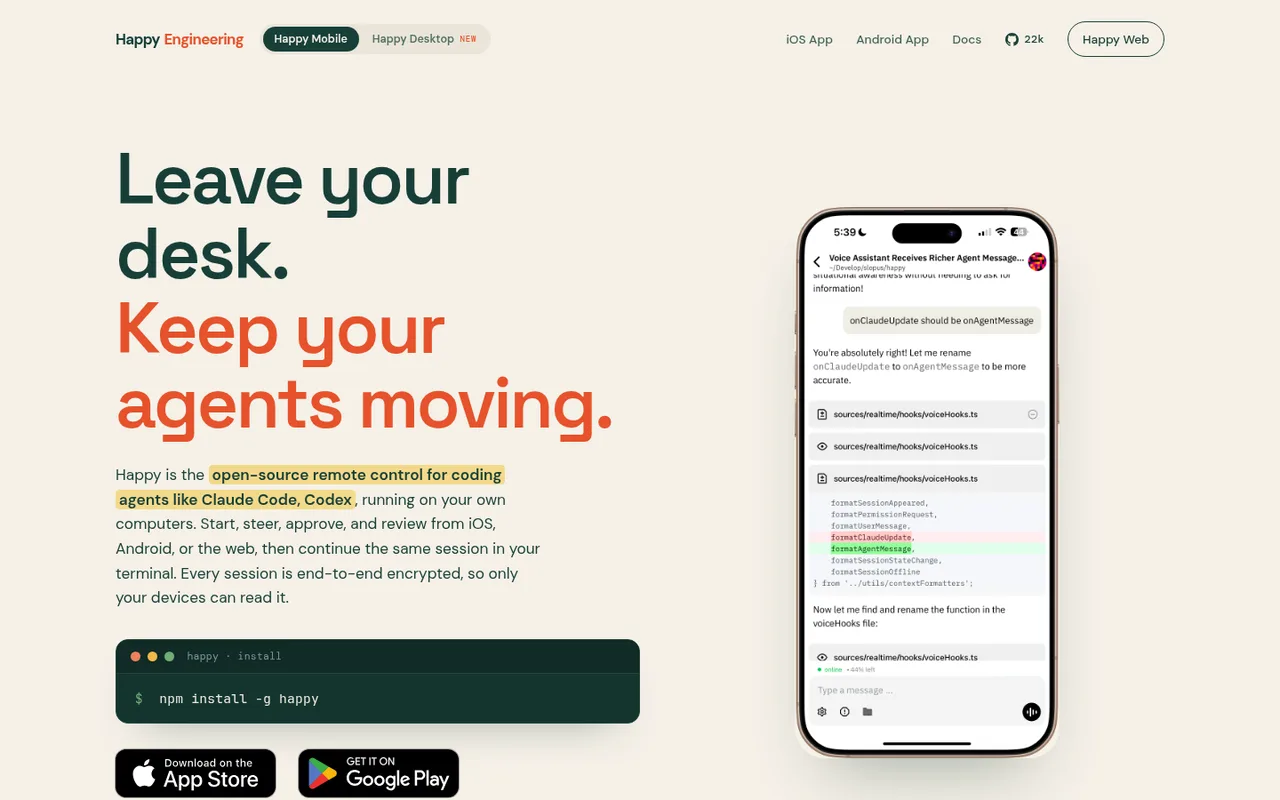

Happy
Control Codex on your computer from your phone or browser.
Happy lets you control Codex on your computer from another device. Your code stays on your computer, and updates are protected with end-to-end encryption while they travel to your phone or browser.
ChatGPT plansPlus, Pro
Available onMobile, Web, Terminal
Best forOrchestration
If you reach your limitThe app pauses until your ChatGPT allowance resets
What you can do
Codex still does the AI work on your computer and uses its connected ChatGPT plan. Happy gives you the remote controls.
Good to know
When Codex reaches your ChatGPT plan limit, Happy cannot make it continue with extra included usage.
- ChatGPT limits
- Your computer must stay on and reachable. Happy does not add AI usage or change your ChatGPT limits.
How to get started
- 01
Set up Happy on the computer where Codex runs.
- 02
Pair an iOS, Android, or web client.
- 03
Start or open Codex work and control it from your other device.
The app itself may have a separate price. ChatGPT plan limits and availability can change.