
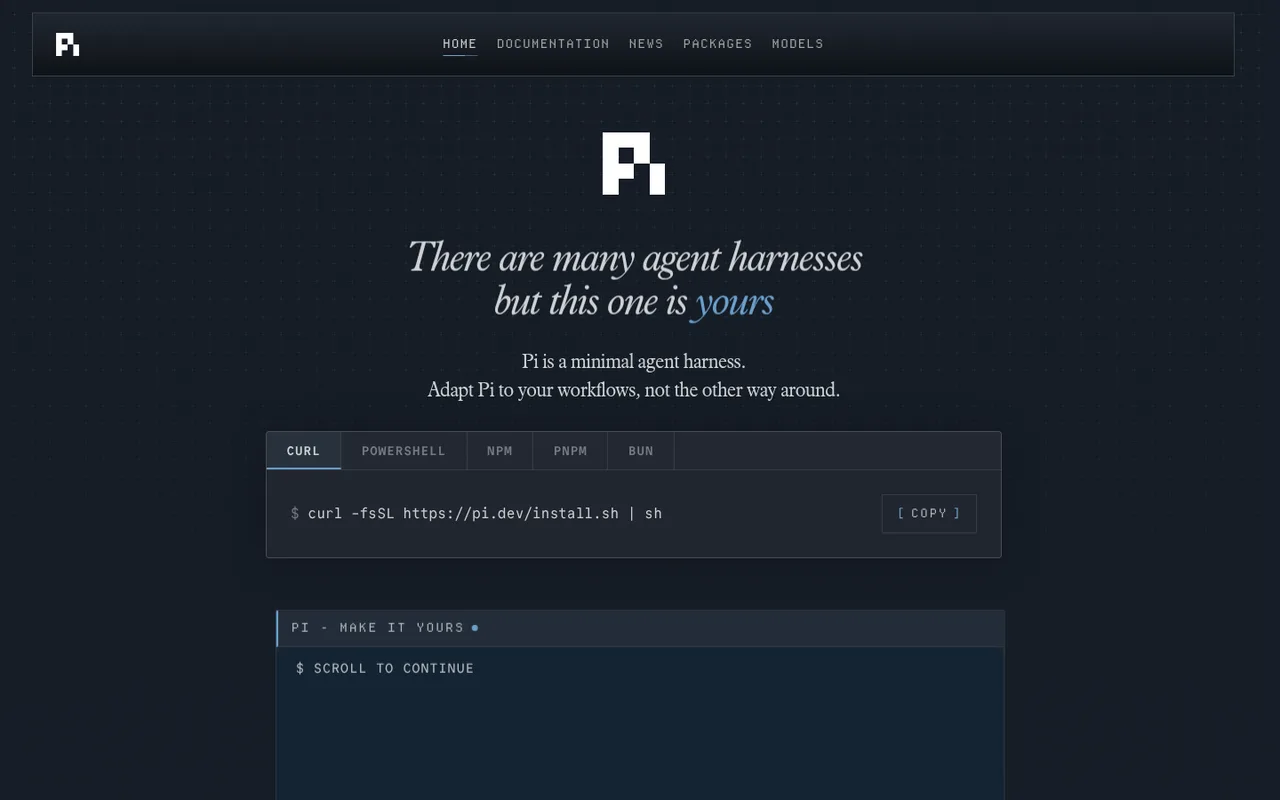

Pi
A terminal coding-agent harness built for extensibility.
Pi is a terminal coding agent with themes, extensions, sessions, tools, and multiple model providers. Subscription authentication is built into its provider flow rather than requiring a community proxy.
ChatGPT plansPlus, Pro
Available onTerminal
Best forCoding
If you reach your limitThe app does not clearly explain this yet
What you can do
Codex-model requests in Pi use the allowance attached to the authenticated ChatGPT subscription.
Good to know
Pi does not document automatic switching to a separately billed provider at the plan limit.
- ChatGPT limits
- Model availability and plan limits are controlled by OpenAI. API-key providers remain separate.
- Possible extra cost
- Another provider can be selected manually and may require its own key or subscription.
How to get started
- 01
Install and launch Pi.
- 02
Run the login command and choose OpenAI Codex.
- 03
Complete ChatGPT authentication and select an available model.
The app itself may have a separate price. ChatGPT plan limits and availability can change.