

OpenCode
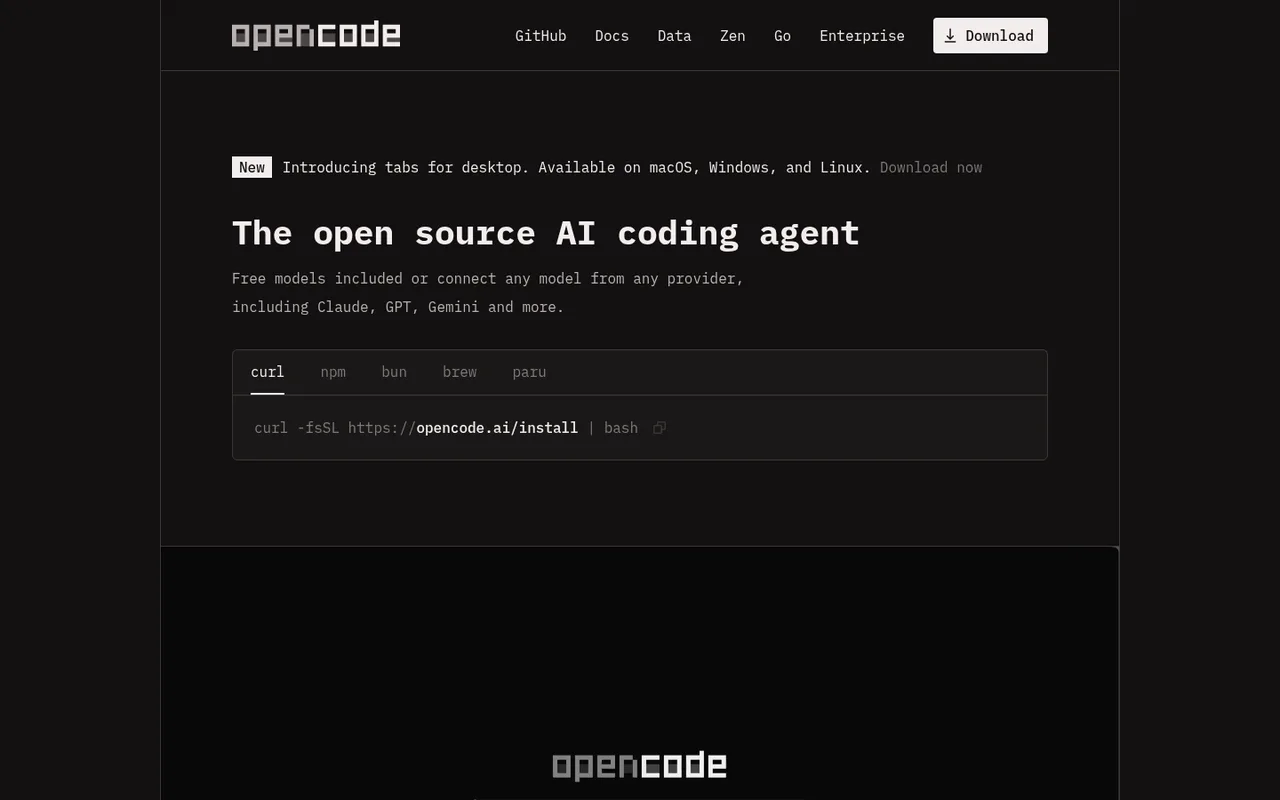
An open-source coding agent for terminal, desktop, and IDE.
OpenCode is an open-source coding agent available as a terminal interface, desktop app, and IDE extension. Its OpenAI connection flow includes ChatGPT Plus/Pro browser authentication.
ChatGPT plansPlus, Pro
Available onDesktop, Terminal, IDE
Best forCoding
If you reach your limitThe app does not clearly explain this yet
What you can do
OpenCode can use supported OpenAI models through the connected ChatGPT Plus or Pro account without requiring an API key for that mode.
Good to know
The vendor does not currently document an automatic paid fallback when the connected ChatGPT allowance is exhausted.
- ChatGPT limits
- The vendor documents subscription login but does not publish a separate OpenCode allowance. Availability remains subject to the connected ChatGPT plan and OpenAI limits.
- Possible extra cost
- A manually entered OpenAI API key is available as a separate usage-based authentication option.
How to get started
- 01
Install and open OpenCode.
- 02
Run the connect command and choose OpenAI.
- 03
Select ChatGPT Plus/Pro and complete browser authentication.
The app itself may have a separate price. ChatGPT plan limits and availability can change.