

OpenClaw
A personal agent gateway for messaging, tools, and automations.
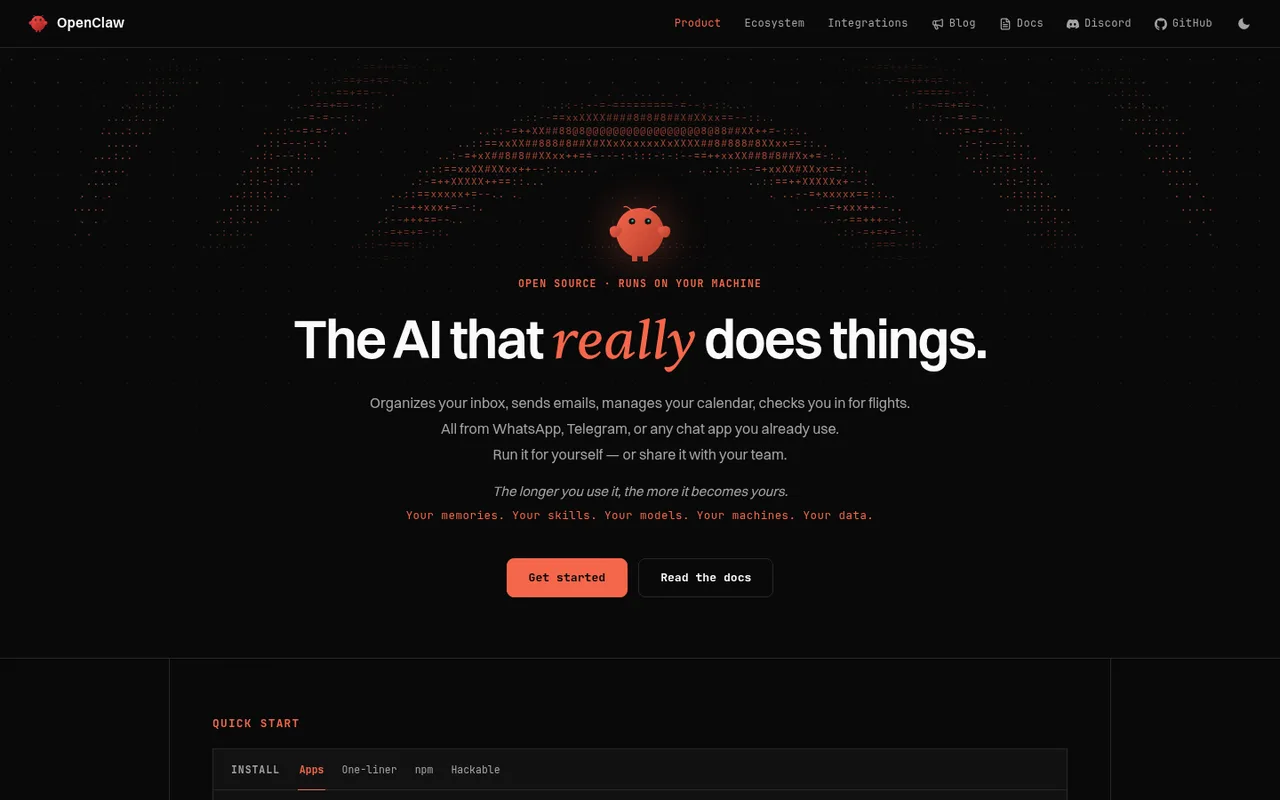
OpenClaw is an open-source personal AI assistant that can run on a laptop, home server, or hosted computer and connect to messaging channels, skills, browser tools, and scheduled work. It supports signing in with ChatGPT and can also work through Codex on your computer.
What you can do
When you choose the OpenAI subscription option, supported OpenClaw AI work uses your connected ChatGPT plan.
Good to know
A fallback model can be configured, but OpenClaw does not silently add paid usage when the OpenAI allowance ends.
- ChatGPT limits
- OpenClaw notes that Codex usage limits can reset on a different schedule from ChatGPT on the web. Separate pay-as-you-go OpenAI billing is another option.
- Possible extra cost
- Other AI services you connect may have their own subscription or usage charges.
How to get started
- 01
Install OpenClaw and run onboarding.
- 02
Choose OpenAI from the list of AI services.
- 03
Sign in with ChatGPT and select a model available on your account.
The app itself may have a separate price. ChatGPT plan limits and availability can change.