

AionUi
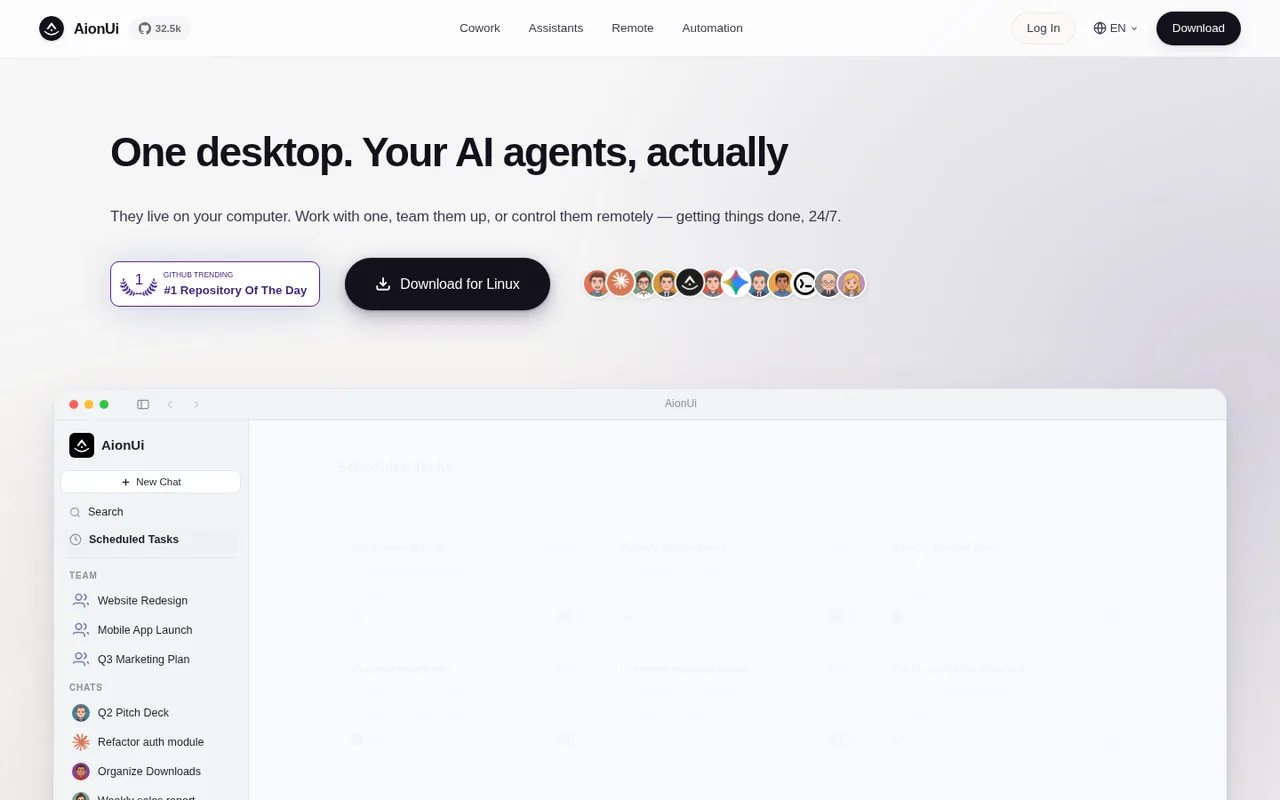
A desktop workspace where several AI assistants can work together.
AionUi is a free, open-source desktop workspace for coordinating several AI assistants across everyday files and tasks. It can find Codex already installed on your computer and add it to the workspace.
ChatGPT plansPlus, Pro
Available onDesktop
Best forAgents
If you reach your limitThe app pauses until your ChatGPT allowance resets
What you can do
When you choose Codex in AionUi, the AI work uses the ChatGPT plan connected to Codex on your computer.
Good to know
AionUi cannot add more ChatGPT usage after Codex reaches your plan limit.
- ChatGPT limits
- You must install Codex separately and sign in with ChatGPT. What AionUi can do depends on the AI assistants you add.
- Possible extra cost
- Other AI assistants you add may need their own subscription or payment.
How to get started
- 01
Install Codex on the same computer and sign in with ChatGPT.
- 02
Open AionUi and let it find Codex.
- 03
Choose Codex in the Cowork workspace and start a task.
The app itself may have a separate price. ChatGPT plan limits and availability can change.