
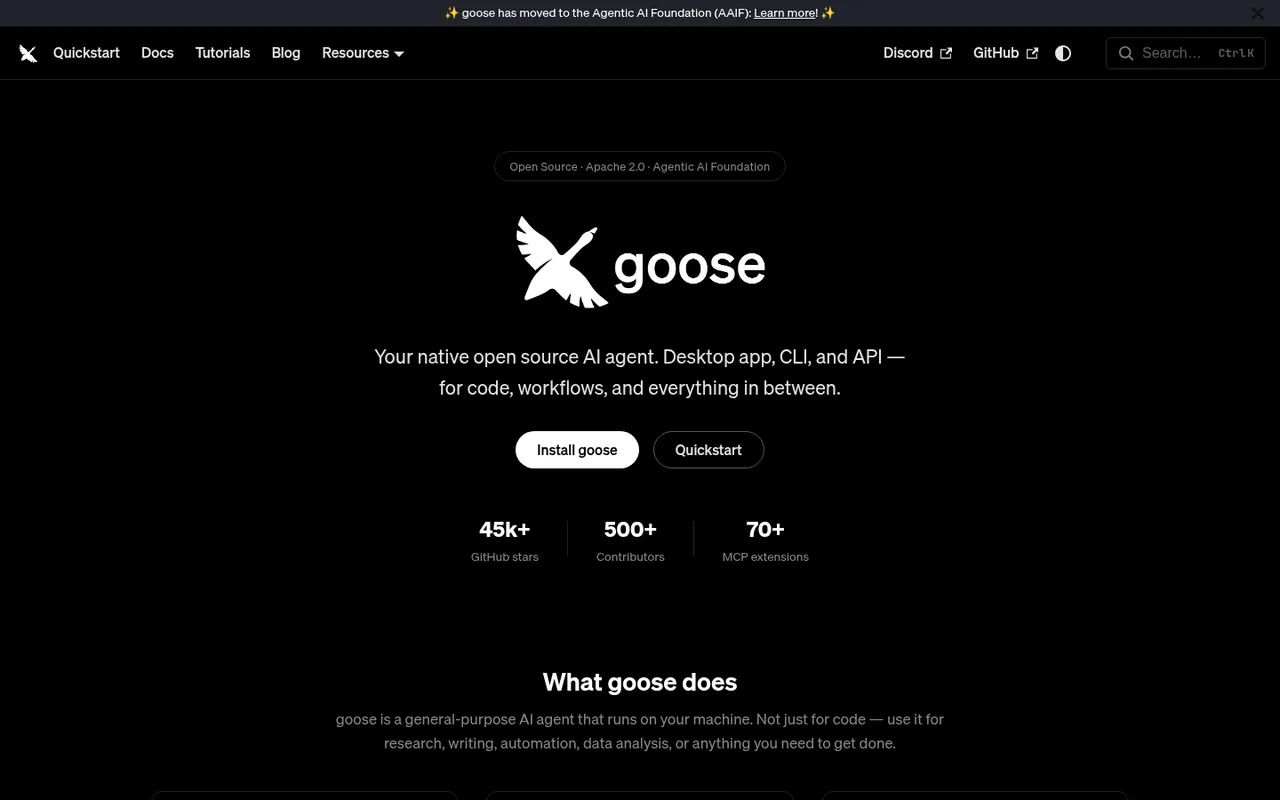

goose
An open-source general agent that runs on your computer.
goose is an AI assistant that runs on your computer with desktop and terminal interfaces. You can sign in with ChatGPT Plus or Pro directly, or use Codex already signed in on your computer.
ChatGPT plansPlus, Pro
Available onDesktop, Terminal
Best forAgents
If you reach your limitThe app does not clearly explain this yet
What you can do
Conversations and tasks in goose can use your connected ChatGPT plan.
Good to know
You can switch goose to another AI service, but it does not automatically provide more free usage.
- ChatGPT limits
- If you use Codex on your computer, you must install it separately and sign in with ChatGPT. Other AI services in goose have their own sign-ins and costs.
- Possible extra cost
- Other subscriptions, pay-as-you-go services, or AI models running on your computer remain available.
How to get started
- 01
Open goose's AI service settings.
- 02
Choose ChatGPT Subscription or Codex on your computer.
- 03
Sign in with ChatGPT and select an available model.
The app itself may have a separate price. ChatGPT plan limits and availability can change.