
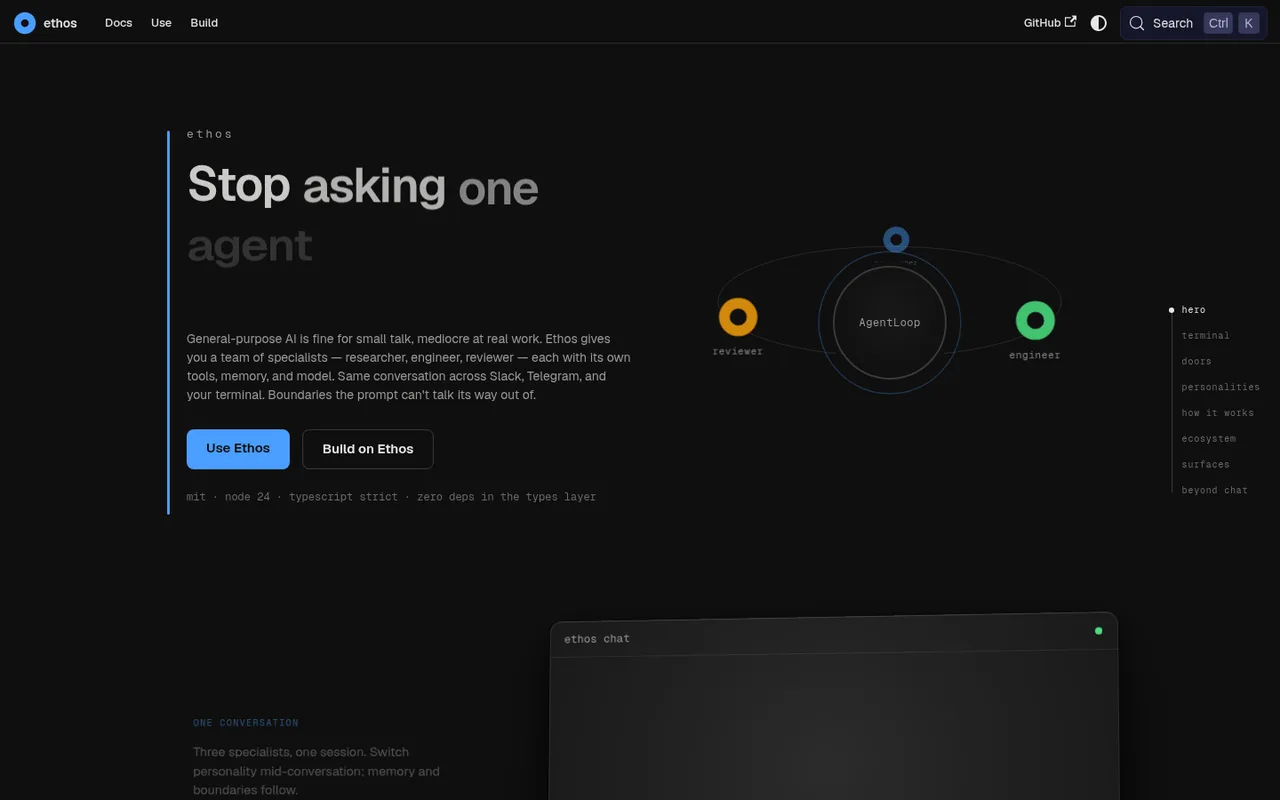

Ethos
An AI assistant with switchable personalities, memory, and tools.
Ethos is an AI assistant with switchable personalities, tools, memory, teams, and skills. It works across desktop, web, VS Code, the terminal, and messaging apps, but only coding work sent to Codex uses your ChatGPT plan.
ChatGPT plansPlus, Pro
Available onDesktop, Web, Terminal, IDE, Mobile
Best forAgents
If you reach your limitThe app pauses until your ChatGPT allowance resets
What you can do
Coding work that Ethos sends to Codex uses your ChatGPT plan and returns the result to Ethos.
Good to know
When Codex reaches your ChatGPT plan limit, coding work sent to it cannot continue.
- ChatGPT limits
- Ethos still needs another connected AI service to decide when to use Codex. Only the coding work sent to Codex uses your ChatGPT plan.
- Possible extra cost
- Ethos's main AI service and other options may have their own costs.
How to get started
- 01
Install Codex on your computer and sign in with ChatGPT.
- 02
Choose an Ethos personality and turn on its coding-agent skill.
- 03
Ask that personality to delegate a coding task to Codex.
The app itself may have a separate price. ChatGPT plan limits and availability can change.