
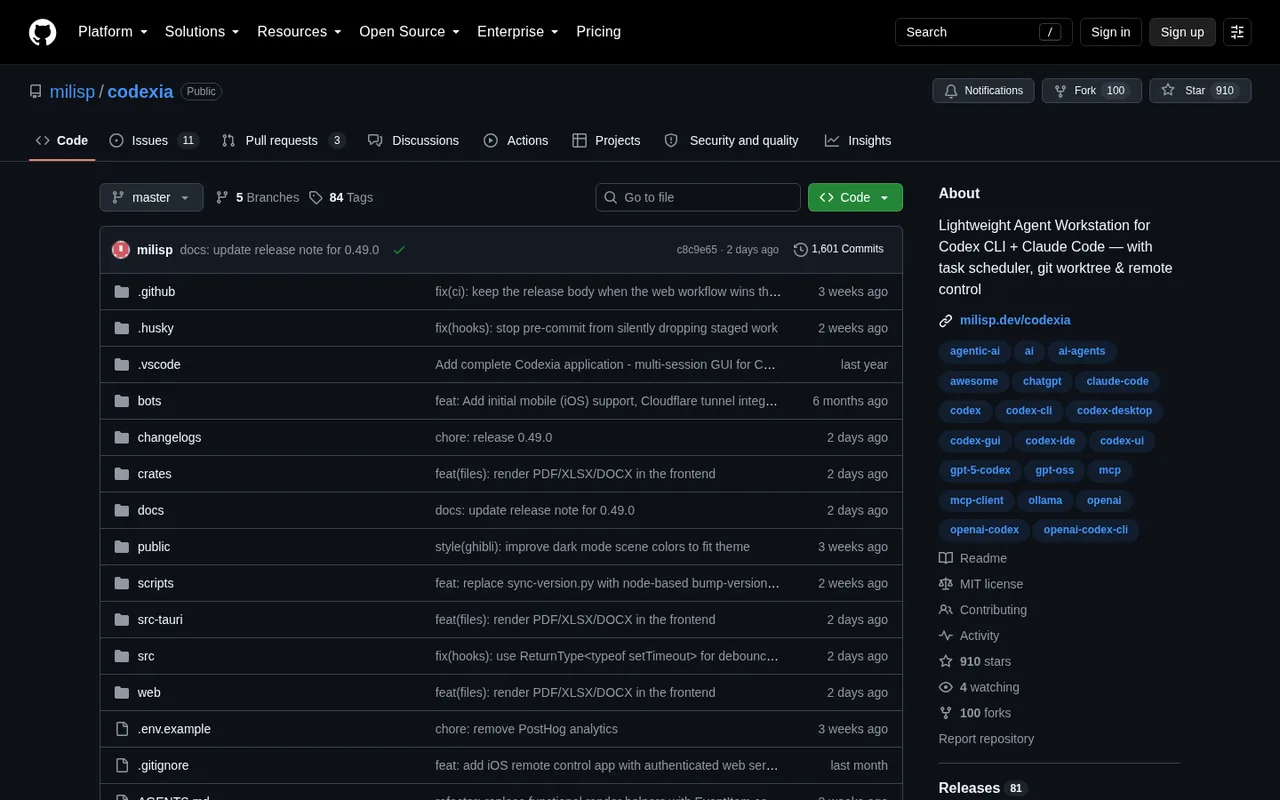

Codexia
A desktop workspace for managing Codex projects and tasks.
Codexia is a desktop workspace for Codex and Claude Code. It combines an editor, task scheduler, separate work areas, web preview, prompt notes, usage tracking, skills, and remote control.
ChatGPT plansPlus, Pro
Available onDesktop, Web
Best forCoding
If you reach your limitThe app pauses until your ChatGPT allowance resets
What you can do
Codex work started in Codexia uses the ChatGPT plan connected to Codex on your computer.
Good to know
When Codex reaches your ChatGPT plan limit, Codexia cannot continue that AI work.
- ChatGPT limits
- You must install Codex separately and sign in with ChatGPT. Codexia does not add or extend your OpenAI usage.
- Possible extra cost
- Claude Code and other separately connected AI services follow their own billing.
How to get started
- 01
Install Codex on your computer and sign in with ChatGPT.
- 02
Install Codexia for macOS, Windows, or Linux.
- 03
Add a project and start a Codex session.
The app itself may have a separate price. ChatGPT plan limits and availability can change.